
A customer finds your store, adds a product, and creates an account. Then nothing happens. They get a generic welcome email and a blank dashboard. By day three, they have forgotten why they signed up.
This is the ecommerce onboarding gap. It is the space between account creation and first value, and most startups lose customers in it.
For ecommerce startups, the problem is worse than for bigger brands. You do not have a support team waiting to guide every new user. You do not have a week to send follow-up emails. Customers expect to buy, set up, and start using your product within minutes.
AI customer onboarding automation closes that gap. It guides each new buyer from sign-up to first purchase without your team chasing them down.
This guide shows how ecommerce startups can use AI to automate onboarding, cut drop-offs, and get customers to buy faster.
What AI Customer Onboarding Looks Like for Ecommerce
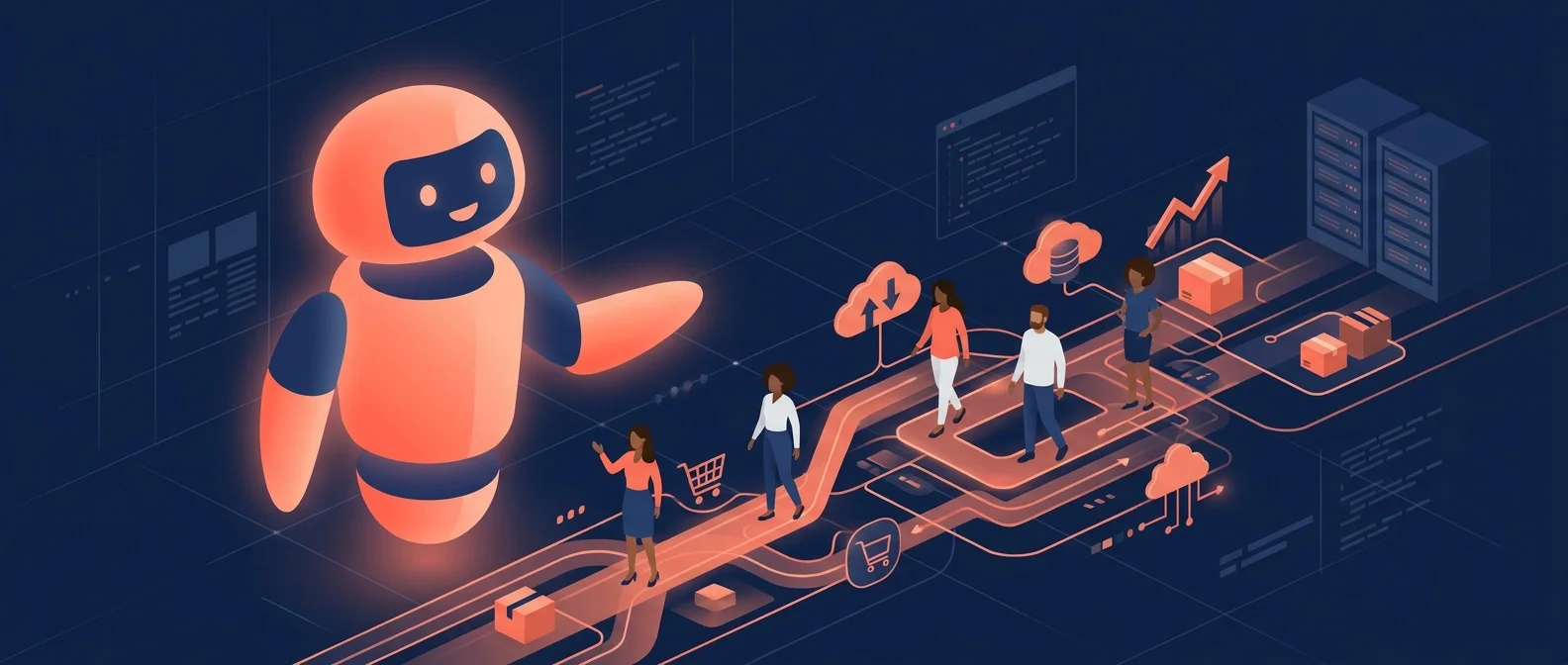
AI customer onboarding for ecommerce startups means using automation to handle the steps that happen after a customer creates an account or makes a first purchase. It is not just a welcome email. It is a full system that moves the customer toward their first successful action.
Here is what it typically covers:
- Account setup. The AI walks new users through profile creation, preferences, and payment setup without a human on the call.
- Product education. It sends short tips, videos, or guides based on what the customer bought or browsed.
- Purchase nudges. If a customer stalls before checkout, the AI sends a targeted reminder with a discount or social proof.
- Survey and feedback. It asks one or two quick questions to segment the customer and personalize the next steps.
- Support routing. When the customer gets stuck, the AI routes them to the right help resource or a human agent.
Think of it as a digital sales assistant that never sleeps. It does not replace your team. It handles the repetitive parts so your team can focus on strategy and growth.
Why Ecommerce Startups Need AI Onboarding Now
Ecommerce moves fast. Customers have short attention spans and endless options. If your onboarding is slow or confusing, they will find a competitor that makes it easier.
Cart abandonment is a killer
About 70 percent of online carts are abandoned. For many customers, the checkout process itself is the point where they quit. A complex form, a missing payment option, or a confusing shipping step can end the sale.
AI onboarding catches these drop-off points. It sends reminders, offers help, and simplifies the steps that trip customers up.
First impressions happen fast
A study by ProForma found that 63 percent of customers say onboarding shapes whether they stay with a brand. For ecommerce, that means the first sign-up, first email, and first purchase set the tone for the whole relationship.
Support costs stack up
Without AI, your team answers the same questions by email or chat. "How do I set up my account?" "Where is my order?" "How do I change my payment method?" These questions eat hours every week.
AI handles the routine questions instantly. Only the complex ones reach your team.
For a broader look at how AI customer onboarding works for small businesses, see our guide AI customer onboarding automation.
Manual Onboarding vs. AI-Powered Onboarding
| Task | Manual onboarding | AI-powered onboarding |
|---|---|---|
| Welcome email sent | 2 to 12 hours | Instant |
| Account setup nudges | Sporadic or none | Sent at the exact drop-off point |
| Abandoned cart recovery | One generic email | Multi-step, personalized sequence |
| FAQ or support questions | Answered by your team | Handled by AI chatbot in seconds |
| Customer segmentation | Done manually after signup | Automated based on behavior |
| First purchase rate | 10 to 25% | 35 to 60% with guided flows |
| Time to first value | Days | Minutes to hours |
The difference is timing and relevance. Manual onboarding depends on someone remembering every step. AI automates each step at the exact moment the customer needs it.
How to Build an AI Onboarding Flow for Your Ecommerce Store
You do not need a big engineering team to set this up. Most ecommerce platforms have plug-in options. Here is a practical path.
Step 1: Map the customer journey
List every step a new customer takes from sign-up to first purchase:
- Creates an account
- Adds profile info or preferences
- Browses products
- Adds items to cart
- Begins checkout
- Completes payment
- Gets order confirmation
- Receives and uses the product
Now mark where customers drop off. Those are your automation targets.
Step 2: Choose your AI onboarding tools
For ecommerce startups, the most useful tools are:
- AI email sequences. Platforms like Klaviyo or Mailchimp use AI to send the right email at the right time based on customer actions.
- AI chatbots. These sit on your site and answer questions, walk users through setup, and recover abandoned carts. See our guide on AI chatbots for small business for more detail.
- SMS automation. Text messages get opened far more often than emails. AI can send a quick setup tip or cart reminder by text.
- Behavior-based triggers. If a customer visits a product page twice but does not buy, the AI sends a review or testimonial for that product.
Step 3: Build the onboarding sequence
Here is a simple 5-day sequence:
Day 0 (instant): Welcome email + quick-start guide based on product category.
Day 0 (if cart abandoned): Cart recovery message with a 10-minute video showing how the product works.
Day 1: Account setup tip. "Finish your profile to unlock free shipping."
Day 2: Social proof. "Here is how 3 customers like you got started."
Day 3: FAQ chatbot check-in. "Got questions? Ask our assistant."
Day 5: Final nudge. "Still thinking it over? Here is a limited-time offer."
If the customer completes a step early, the AI skips the related message. No one likes redundant emails.
Step 4: Add personalization
AI onboarding works best when it feels personal. Use the data you already have:
- What product did they view?
- What is their location?
- Did they come from an ad, a referral, or organic search?
- What device are they using?
An AI tool can adjust the message, timing, and channel based on these signals.
Step 5: Measure and refine
Track these numbers from day one:
- Email open rate. Should be above 25 percent for onboarding emails.
- Click-through rate. 5 to 10 percent is a good target.
- Cart recovery rate. How many abandoned carts return and buy?
- Time to first purchase. The average time from signup to first order.
- Support ticket volume. Should drop as the AI handles more questions.
- Customer lifetime value. Are onboarded customers more loyal?
Review the data every two weeks. Look for drop-off points, weak messages, and missed opportunities.
AI Onboarding by Ecommerce Business Type
The steps change based on what you sell.
Physical products (Shopify, WooCommerce)
New buyers need shipping clarity, product setup tips, and return policy info. AI sends tracking updates, unboxing guides, and reorder reminders.
Subscription boxes
Subscribers need to know what is coming, when it ships, and how to customize their box. AI handles preference collection, shipping alerts, and pause-or-skip options.
Digital products and courses
Customers need access to their download or login credentials. AI delivers the product link, explains how to get started, and checks in to prevent refund requests.
SaaS and tools
New users need to connect integrations, invite team members, and complete a setup wizard. AI sends step-by-step prompts and offers live support if the user gets stuck.
Common Mistakes to Avoid
Sending too many messages. Five emails in two days will get you marked as spam. Space your touches and make each one worth opening.
Generic content. A welcome email that says "Thanks for signing up" with no next step is a waste. Every message should move the customer forward.
No human fallback. When a customer is stuck, they need a real person. Make sure your AI hands off to a human quickly and with full context.
Ignoring mobile. Most ecommerce traffic is mobile. Your onboarding emails, chatbot, and setup pages need to work on small screens.
Set it and forget it. AI onboarding is not a one-time project. Review the data, test new messages, and update the flow as your products and audience change.
The Bottom Line
Ecommerce startups that automate customer onboarding win more first purchases, spend less on support, and build stronger customer relationships.
The cost of slow onboarding is not just one lost sale. It is a customer who never comes back, a review that mentions a bad first experience, and a competitor who made it easier.
AI onboarding fixes this by guiding every new customer from sign-up to success without manual work. It answers questions, recovers carts, and sends the right message at the right time.
You do not need a big team. You need the right automation steps and a clear path from account creation to first value.
Start with your biggest drop-off point. Build one automated step. Measure the result. Then add the next one.
The ecommerce startups that fix onboarding first will have a lead that competitors spend months trying to close.
For a real-world example of AI automation driving growth, see the Ride Motor Company case study.
Learn more about AI chatbots for small business and how they handle onboarding questions in real time.
For a full guide on AI customer onboarding across industries, read AI customer onboarding automation for small business.
See how Dark Harbor builds AI onboarding for ecommerce and service businesses. Book a demo and we will show you how to automate your first onboarding flow.