Automated Appointment Reminders for Small Business: Cut No-Shows and Save Hours Every Week

Automated appointment reminders help small businesses reduce no-shows by 30-40%, recover revenue, and stop wasting staff time on manual calls. Here is how they work and what to look for.

Published May 03, 2026 Updated May 03, 2026 Author DarkHarbor.ai Read Time 10 min read
Automated Appointment Reminders for Small Business: Cut No-Shows and Save Hours Every Week

No-shows are expensive. A dental practice with five empty chairs per week loses $3,000 to $6,000 every month. A salon with three missed appointments per day leaves $4,500 on the table. A home services company that sends a crew to an empty house burns fuel, wages, and the chance to book another job.

Most small businesses know this. They also know that calling every patient or customer to confirm an appointment takes time their staff does not have. The average front desk worker spends two to three hours every day on reminder calls, confirmations, and rescheduling. That is time they cannot spend greeting patients, answering inbound calls, or handling insurance paperwork.

That is where automated appointment reminders come in. They handle the follow-up so your team does not have to, and they cut no-shows by 30-40% on average. A single automated system replaces multiple manual touchpoints, runs around the clock, and pays for itself within the first month.

What Are Automated Appointment Reminders?

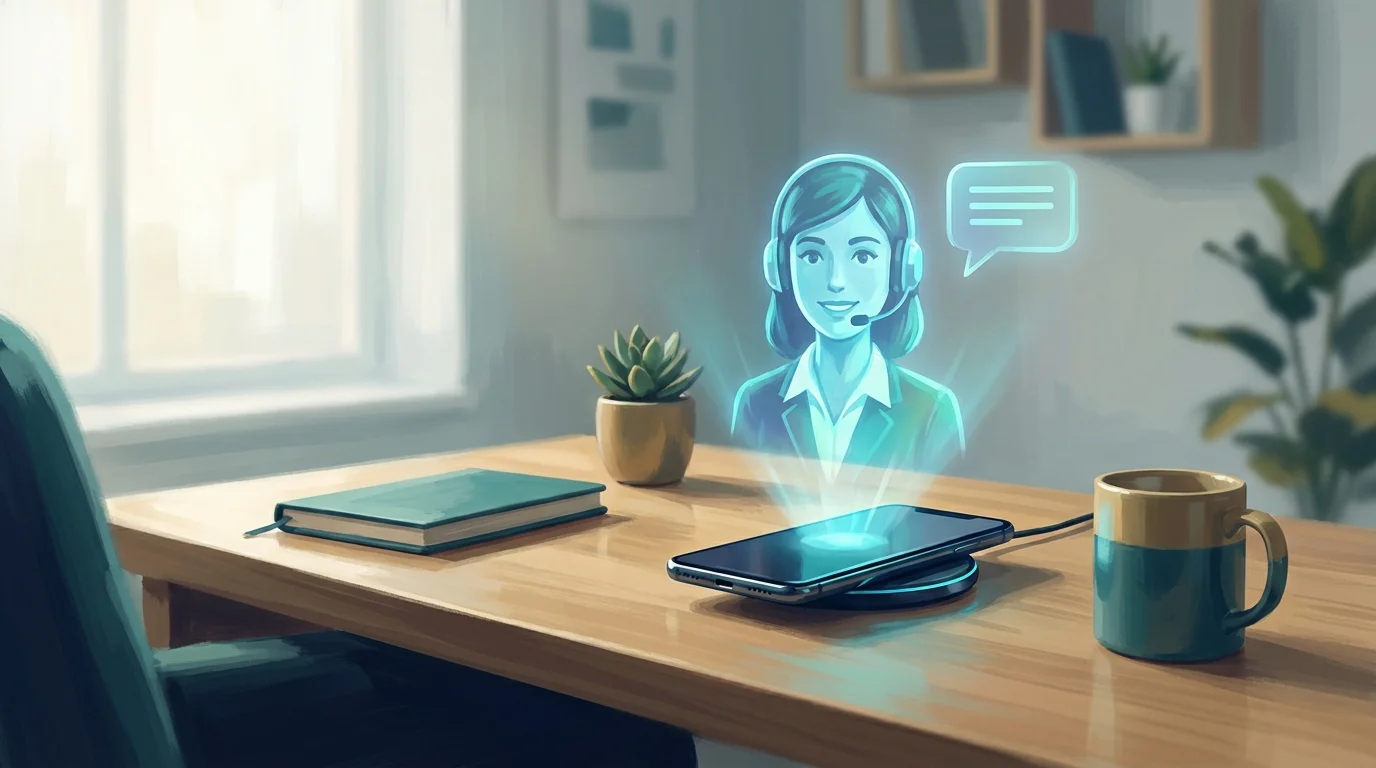
Automated appointment reminders are messages sent to customers before a scheduled visit. They go out by text message, email, or voice call without anyone on your team lifting a finger.

Instead of a receptionist spending two hours every afternoon dialing numbers and leaving voicemails, the software sends a personalized reminder at the right time. The customer confirms, cancels, or reschedules with a reply.

The best systems do more than send a single text. They send a sequence: a confirmation right after booking, a reminder three days ahead, another one day before, and a final heads-up a few hours out. If the customer needs to reschedule, the system handles that too.

Why No-Shows Happen

Understanding why people miss appointments helps you fix the problem.

They forget. Life is busy. A customer books a haircut three weeks out, then the day slips their mind. A simple reminder 24 hours in advance fixes this.

They are not committed. Online booking makes it easy to schedule without thinking. A confirmation step, whether by replying to a text or clicking a link, turns a soft booking into a firm commitment.

They cannot get there. Traffic, sickness, or a work conflict comes up. If your reminder includes an easy way to reschedule, you catch that cancellation early and fill the slot with someone else.

They feel no consequence. Some customers book three providers and pick whichever one reminds them last. A strong reminder sequence keeps your business top of mind.

How Automated Reminders Work

Setting up automated reminders is straightforward. Here is what the process looks like for most small businesses.

Step 1: Sync your calendar. The reminder system connects to your practice management software, CRM, or calendar. It pulls appointment data automatically. When someone books, the system knows.

Step 2: Set your schedule. You choose when reminders go out. A common pattern is three days before, one day before, and two hours before. You can adjust this by appointment type. New patients might get an extra reminder with directions and intake forms. Follow-up visits may only need one.

Step 3: Choose your channels. Most businesses use SMS first because open rates top 98%. Email works well for detail-heavy appointments that need attachments or forms. Voice calls help reach older customers who check their phone less often.

Step 4: Personalize the message. The reminder includes the customer's name, appointment time, location, and any preparation instructions. It reads like it came from your front desk, not a robot.

Step 5: Handle responses. When a customer replies "C" to confirm, the system marks it. When they reply "R" to reschedule, it offers available slots. When they reply "X" to cancel, it frees the appointment and notifies your team.

Appointment Reminder Text Templates That Actually Work

Every automated appointment reminder is only as good as the message inside it. A stiff, robotic text gets ignored. A warm, clear text gets a response. Here are templates that produce real confirmation rates.

Dental and medical:

Hi [Name], this is [Practice] confirming your appointment on [Day, Date] at [Time]. Please arrive 10 minutes early. Reply C to confirm, R to reschedule, or X to cancel.

Salons and spas:

Hi [Name]! You are booked with [Stylist] at [Salon] on [Day, Date] at [Time]. Reply CONFIRM to keep your spot or RESCHEDULE if you need a different time.

Home services:

Hi [Name], [Company] is scheduled for [Service] at [Address] on [Day, Date] between [Time Window]. Please reply YES to confirm or CALL to reschedule.

Consultations and professional services:

Hi [Name], your consultation with [Business] is set for [Day, Date] at [Time]. The link to join the call is [URL]. Please reply CONFIRM or let us know if you need to reschedule.

The key patterns across every high-performing appointment reminder text: use the customer's name, state the exact date and time, add a clear one-letter or one-word reply option, and keep the whole message under 160 characters when possible so it fits in a single SMS.

The Business Impact

Automated reminders deliver three kinds of returns.

1. Fewer no-shows. This is the big one. Medical practices, salons, and home services companies all report 30-40% reductions in missed appointments after adding automated reminders. For a business with ten no-shows per week at $200 per slot, that is $2,000 per week back in revenue.

2. Recovered staff time. Manual reminder calls take 2-4 minutes each. A practice with 50 appointments per day spends 2-3 hours just on phone calls. Automating that work gives your front desk team time to greet patients, handle insurance, and answer inbound calls that actually need a human.

3. Better customer experience. Customers like reminders. They appreciate not having to write details down. They like having a phone number or address sent to their inbox. They like being able to cancel or reschedule without playing phone tag.

4. Faster calendar fill. When a customer cancels through an automated system, the slot becomes available immediately. A home services company that books a week out can often fill same-week cancellations with a quick text to its waitlist. A dental practice with a hygiene appointment opening can text the next patient who wanted an earlier time.

Cost and ROI

Basic automated reminder services start at $30 to $100 per month for small businesses with moderate appointment volume. Mid-tier plans with calendar integration, two-way messaging, and custom rules run $100 to $300 per month. Enterprise-level systems with AI, voice, and advanced analytics can reach $500 to $1,500 per month depending on message volume.

The return is almost immediate. A dental practice that reduces five no-shows per week at $300 per appointment saves $6,000 per month. A salon that recovers three appointments per day at $150 each adds $13,500 per month. Even a single-location home services business booking an extra two jobs per week at $400 each adds $3,200 per month.

When the cost of the system is under $200 per month and the revenue recovery is in the thousands, the payback period is measured in days, not months.

What to Look for in a Reminder System

Not all reminder tools work the same. Here is what separates the useful ones from the basic ones.

Calendar integration. The system needs to talk to whatever you already use: Google Calendar, Outlook, Calendly, or a practice management platform like Dentrix, Epic, or ServiceTitan. If it forces you to double-enter appointments, your staff will skip it.

Multi-channel messaging. SMS is essential. Email is useful for longer messages. Voice calls are worth having for older demographics. A system that only sends emails will miss people who do not check their inbox.

Two-way messaging. Customers need to reply. A one-way blast that says "You have an appointment tomorrow" is less useful than a text that lets them confirm with a single letter. Two-way systems also handle rescheduling without human involvement.

Custom rules and sequences. Different appointments need different reminder schedules. A routine cleaning needs one reminder. A surgery prep appointment needs detailed instructions sent a week ahead. The system should let you customize timing, message content, and channel by appointment type.

Reporting. You need to see no-show rates, confirmation rates, and response rates by channel. If SMS is getting twice the confirmation rate of email, you want that data.

HIPAA compliance if needed. Medical and dental practices must use a HIPAA-compliant messaging platform. Do not assume all tools qualify. Ask for a Business Associate Agreement before you send patient data.

Best Practices for Reminder Messaging

The words you use matter. A dry, robotic message feels like spam. A warm, clear message feels like service.

Keep it short. One or two sentences plus the details. "Hi Jane, this is Oakwood Dental confirming your cleaning on Thursday, May 7 at 2:00 PM. Reply C to confirm or R to reschedule."

Make calls to action obvious. Use single-letter replies when possible. "Reply C to confirm" is easier than "Please confirm by replying to this message."

Send at the right time. A 6:00 AM text wakes people up and annoys them. A 10:00 AM text gets read. A 3:00 PM email gets buried. Most businesses get the best response from mid-morning text reminders.

Include value, not just logistics. "Bring your insurance card and a list of current medications" is more helpful than "You have an appointment." The more useful the message, the more likely the customer is to read it and show up.

AI-Powered Reminders vs. Basic Automation

Basic reminder tools send messages on a fixed schedule. AI-powered reminders adapt.

An AI system notices that a customer has missed three appointments and sends an extra confirmation step. It detects that a customer always reschedules Monday morning appointments and suggests Tuesday instead during booking. It recognizes that a customer always responds to texts but ignores emails, and automatically prefers SMS for that person.

AI also handles the conversation when something unexpected happens. A customer replies, "I need to move it to next week because my kid is sick." A basic tool sends a generic response and loops in staff. An AI system offers next week's slots, confirms the new time, and sends an updated calendar invite.

For businesses that want more than a timer and a text template, Dark Harbor offers AI virtual employees that manage the entire reminder and rescheduling flow across phone, text, and email. They handle exceptions, respond to unusual requests, and update your calendar in real time.

Start With Automated Reminders

You do not need to overhaul your entire operation to see results. Automated appointment reminders are one of the fastest, highest-ROI upgrades a small business can make.

Most businesses see fewer no-shows in the first week. Staff time gets freed up immediately. Customers are happier because they have fewer surprises and less friction.

If you are still calling customers manually or relying on them to remember, you are working harder than you need to and losing revenue you could have kept. The fix is simple, affordable, and available today.

Learn how Dark Harbor automates appointment reminders and scheduling across your entire customer journey.

Dark Harbor platform

Turn insight into operating leverage

Dark Harbor helps your business deploy virtual teams that actually move work forward. Use Dark Harbor platform to assign, review, and scale the workflows that matter most.