What Is Workforce AI? A Simple Guide for Small Business Owners

Workforce AI uses artificial intelligence to answer calls, book appointments, support customers, and follow up with leads without adding headcount.

Published May 10, 2026 Updated May 10, 2026 Author DarkHarbor.ai Read Time 6 min read
What Is Workforce AI? A Simple Guide for Small Business Owners

What Is Workforce AI? A Simple Guide for Small Business Owners

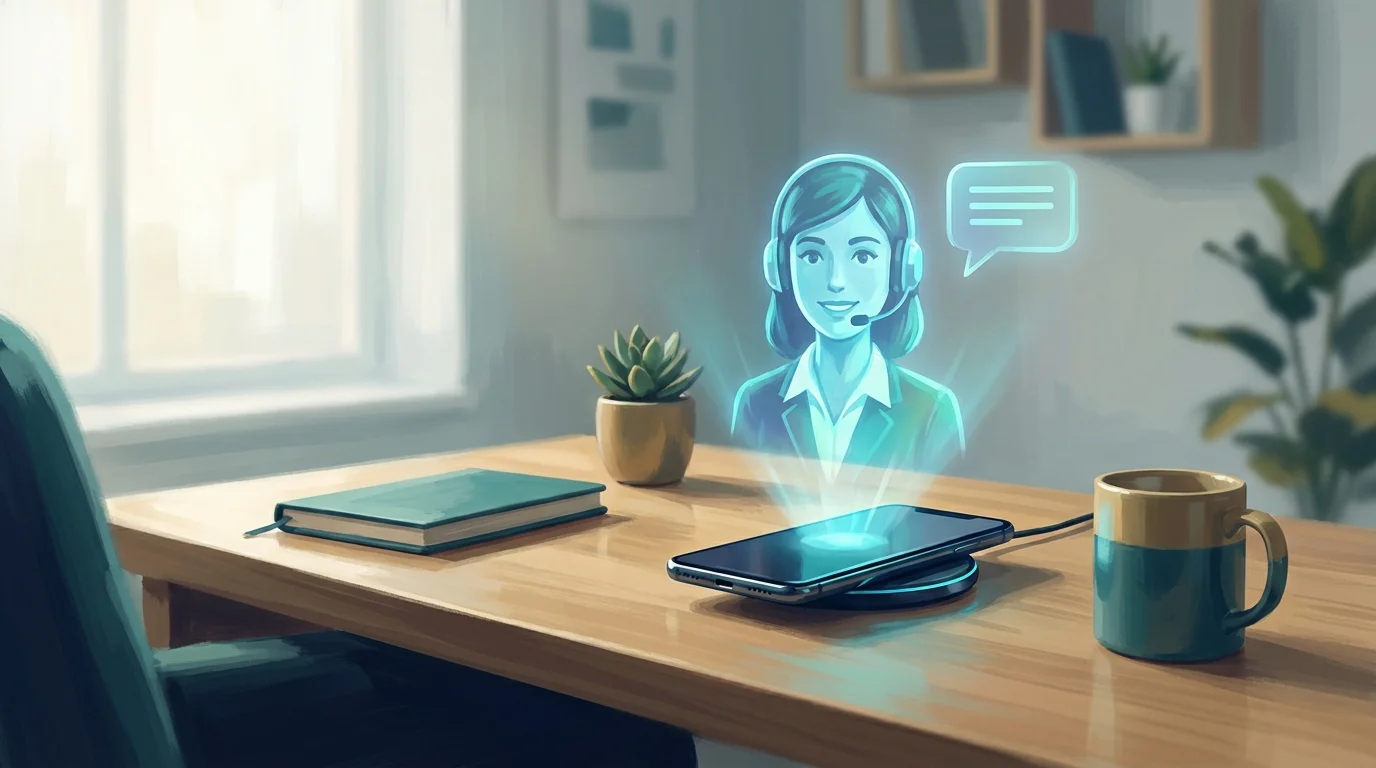
Workforce AI is technology that uses artificial intelligence to handle everyday business tasks. It answers phones, schedules appointments, responds to customer questions, and manages leads without human staff doing every step by hand.

Think of it as a digital team member. It works around the clock, never takes breaks, and costs far less than hiring full-time employees for the same work.

What Does Workforce AI Do?

Workforce AI helps small businesses cover the repetitive jobs that slow teams down and cause leads to slip away.

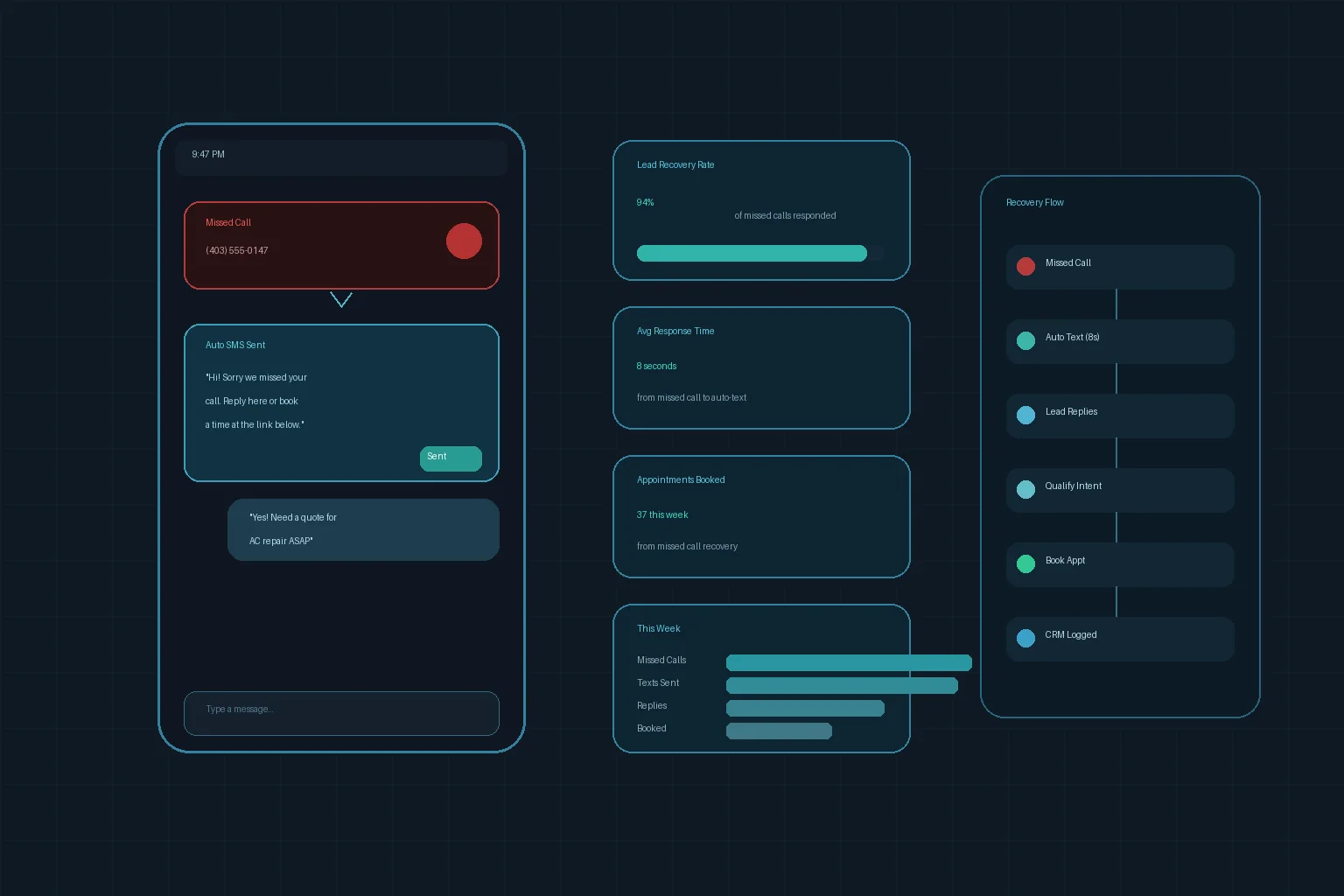
Answering calls and messages. An AI receptionist picks up phone calls, texts back missed callers, and routes urgent calls to the right person. Businesses that want a deeper breakdown can see how an AI answering service for small business handles this workflow.

Customer support. AI agents handle common questions through chat, email, or phone. They answer questions about hours, pricing, and services while your team focuses on complex work.

Lead response. When someone fills out a form on your website, an AI system calls or texts them within minutes. Fast follow-up turns more interested visitors into paying customers. If you are comparing approaches, this guide on AI lead response vs traditional outreach shows why speed matters.

Appointment booking. AI assistants schedule meetings, send reminders, and handle rescheduling without back-and-forth emails or phone tag.

Data entry and routing. AI reads incoming messages, extracts key details, and sends them to the right software or person automatically.

How Does Workforce AI Work?

Workforce AI uses large language models and speech recognition to understand what customers say or write. It then matches those requests to trained responses and actions.

The system connects to your existing tools: your phone line, calendar, CRM, and website. When a customer reaches out, the AI responds in natural language. If the request is too complex, the AI hands it off to a human team member with full context.

Most workforce AI platforms improve over time. They learn from past conversations to give better answers and handle more situations without help.

Benefits of Workforce AI for Small Businesses

Lower labor costs. Hiring, training, and managing staff is expensive. Workforce AI tools handle repetitive tasks at a fraction of the cost.

24/7 availability. Customers call and message outside business hours. Workforce AI answers every time, even at midnight or on weekends.

Faster response times. Responding to a lead in under five minutes can dramatically improve conversion rates. AI responds instantly, not hours later.

Better customer experience. No long hold times. No voicemail boxes. Every caller gets a helpful response right away.

More time for high-value work. When AI handles routine questions and bookings, your employees spend time on sales, service, and growth instead of inbox cleanup.

Common Use Cases for Workforce AI

Workforce AI fits many industries. Here are a few examples that show how it works in practice.

Auto Repair Shops

AI answers calls about oil changes, books appointments, and sends reminders. Customers get instant help without tying up mechanics or front-desk staff. This is especially useful for busy shops that need an AI receptionist for auto repair shop businesses.

Dental Practices

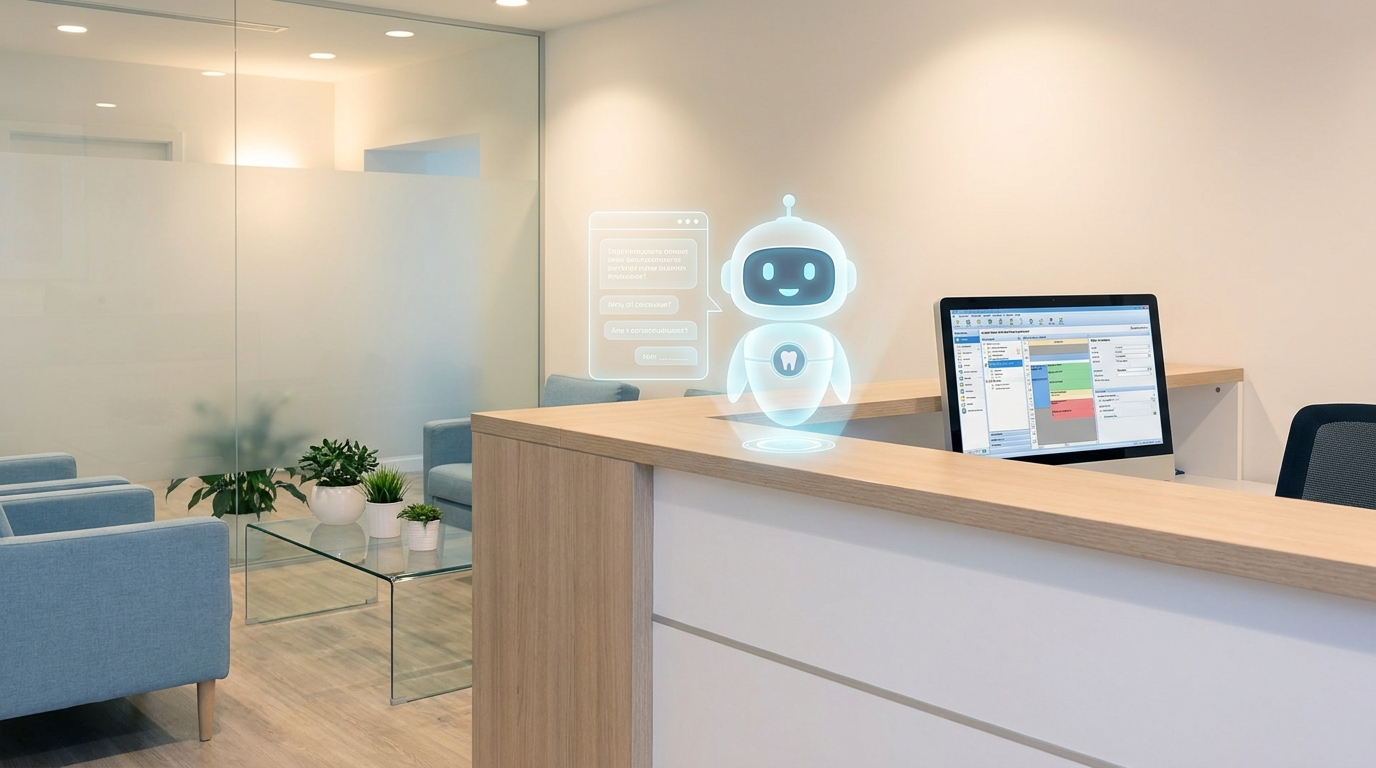
AI schedules cleanings, answers insurance questions, and routes emergency calls to the on-call dentist. The office captures more calls without hiring another front-desk person.

Real Estate Agencies

AI responds to buyer inquiries, qualifies leads, and books property showings automatically. Speed matters when a new listing hits the market.

HVAC Companies

AI handles seasonal booking surges, dispatches urgent repair requests, and follows up on quotes. After-hours coverage becomes a competitive advantage instead of a weak point.

Legal Firms

AI screens potential clients, schedules consultations, and answers basic intake questions before a human steps in.

Workforce AI vs Traditional Automation

Traditional automation is usually rigid. It follows rules exactly, but it struggles when a customer asks something unexpected or changes the subject.

Workforce AI is more flexible. It understands natural language, keeps track of context, and can handle conversations that do not follow a script. That makes it more useful for front-office work where customers ask questions in their own words.

The difference is simple: regular automation moves data between systems, while workforce AI can also talk to people, collect context, and decide the next step inside a workflow.

How DarkHarbor.ai Delivers Workforce AI

DarkHarbor.ai builds AI virtual teams for small businesses. Our platform handles phone calls, texts, web chat, and email through one system.

You get a custom AI agent trained on your business. It knows your services, pricing, and policies. It answers like a professional team member who has worked with you for years.

Our AI connects to your GoHighLevel account, CRM, or calendar. Every lead, booking, and conversation flows into your existing workflow. Nothing falls through the cracks. Teams that want a broader operating model can also review our guide on how to automate lead follow-up with AI.

Whether you need an AI answering service, lead response, or full customer support, DarkHarbor.ai scales with your business without adding headcount.

Frequently Asked Questions About Workforce AI

What is workforce AI?
Workforce AI is software that uses artificial intelligence to perform business tasks like answering calls, booking appointments, and following up with leads. It acts as a digital team member available at all hours.

How is workforce AI different from regular automation?
Regular automation follows rigid rules. Workforce AI understands natural language, adapts to context, and handles conversations that do not follow a script.

Will workforce AI replace my employees?
No. Workforce AI handles repetitive, time-consuming tasks so your team can focus on work that needs a human touch. Most businesses use AI to supplement staff, not remove the need for people.

Is workforce AI expensive?
Pricing varies, but AI workforce tools typically cost much less than hiring full-time employees for the same tasks. Many small businesses save thousands per month.

How quickly can I set up workforce AI?
Most DarkHarbor.ai customers can launch within a few days. The system trains on your business information and integrates with your existing phone and software tools.

Conclusion

Workforce AI is no longer a tool only large companies use. Small businesses now use AI to answer phones, book appointments, and follow up with leads without growing payroll at the same pace.

If you are losing calls after hours, struggling to respond to leads fast enough, or spending too much time on routine customer questions, workforce AI may be the right next step for your business.

Learn how DarkHarbor.ai can build your AI team today.

workforce ai ai workforce ai virtual teams small business automation

Dark Harbor platform

Turn insight into operating leverage

Dark Harbor helps your business deploy virtual teams that actually move work forward. Use Dark Harbor platform to assign, review, and scale the workflows that matter most.