Your phone rings at 7:47 AM. A customer has a burst pipe. You have three technicians on the road already. One is across town. Another finishes a job in twenty minutes. The third is qualified for plumbing but started an electrical call that might run long.
You stare at the whiteboard. Or the spreadsheet. Or the group chat. However you track jobs, the math is the same. Someone needs to decide who goes where, and they need to decide fast. Every minute you spend figuring it out is a minute the customer waits. And every wrong choice costs you fuel, time, and maybe the job.
AI dispatching software fixes this. It automates scheduling, routing, and job assignment so your team spends less time in traffic and more time billing hours. This buyer's guide covers what ai dispatching is, why small businesses need it, what features to look for, and how to choose the right tool.
What Is AI Dispatching Software?
AI dispatching software is a system that automatically assigns jobs to the right technician, optimizes driving routes, and updates schedules in real time. It uses data about location, skills, availability, and job urgency to make decisions that used to require a human dispatcher.
Here is what it handles:
- Job intake. New requests come in by phone, web form, or email. The system captures the details, classifies the job type, and checks urgency.
- Technician matching. The software looks at who is available, who has the right skills, who is closest, and who has the lightest schedule. It assigns the best match.
- Route optimization. Instead of sending a technician across town and back, the system sequences jobs to minimize drive time.
- Real-time updates. When a job runs long or a new emergency comes in, the software reshuffles the schedule automatically.
- Customer notifications. The system sends appointment confirmations, ETA updates, and delay alerts without anyone on your team lifting a finger.
The difference between ai dispatching and basic scheduling software is intelligence. A calendar app lets you book appointments. AI dispatching decides who should go, how they should get there, and what to do when plans change.
Why Small Businesses Need AI Dispatching
Small service businesses face a specific set of dispatching problems that enterprise companies solved years ago with dedicated operations teams and expensive software. You face the same challenges with fewer resources.
You are losing hours to manual coordination. A dispatcher or office manager spends two to four hours per day on scheduling alone. That is ten to twenty hours per week on work that software can do in seconds.
Your routes are costing you money. Technicians backtrack, cross paths, and drive across town for the next job because the schedule was built by hand. Poor routing burns fuel and squeezes fewer billable jobs into each day.
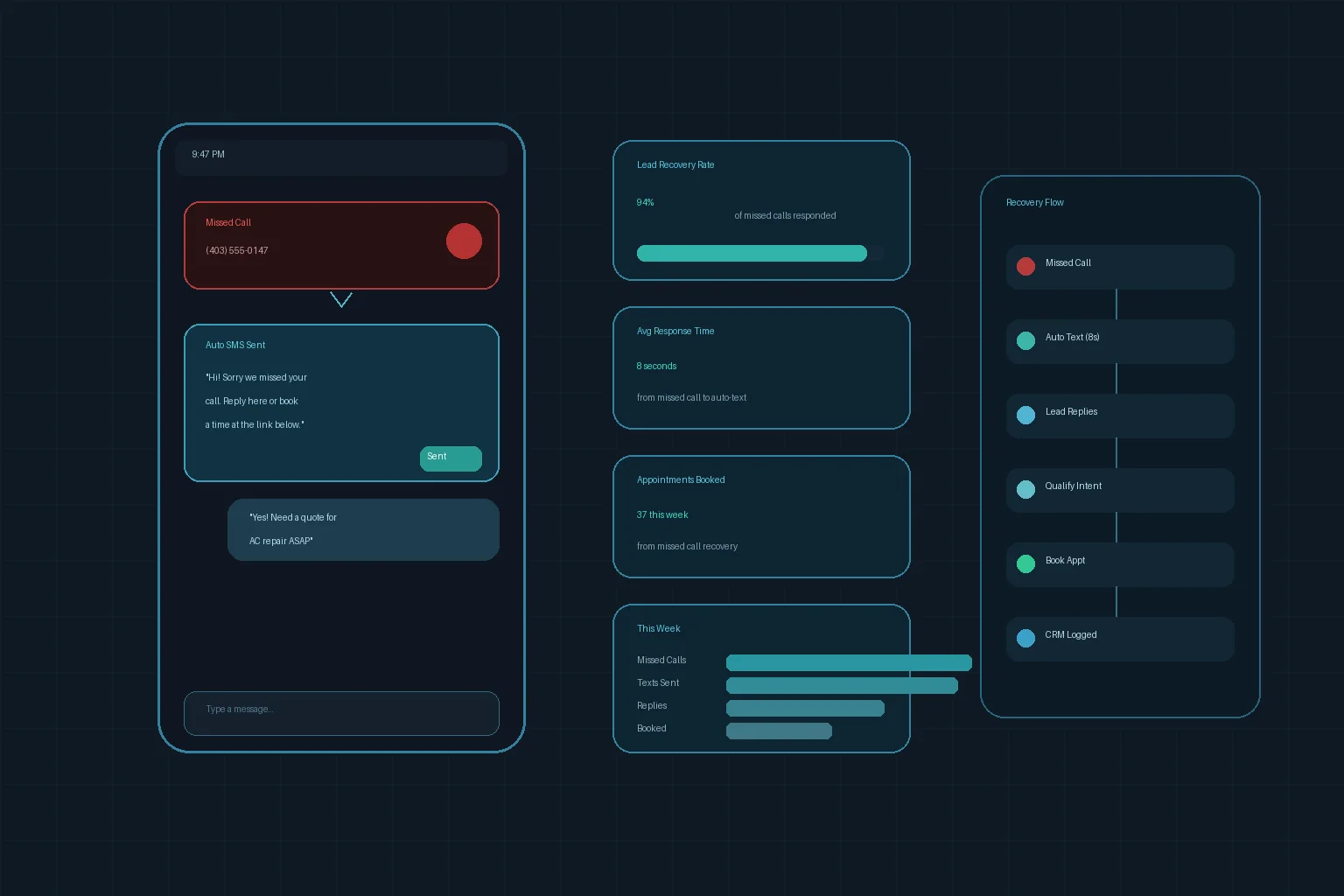
Missed calls mean missed revenue. When your dispatcher is buried in scheduling, they miss calls. Research shows small businesses miss 30% to 40% of incoming calls. Most callers do not leave voicemail. They call a competitor.
Emergencies disrupt everything. An urgent job comes in and the entire schedule collapses. The dispatcher spends thirty minutes reshuffling appointments by hand. The day ends in overtime because the route fell apart.
Key Features to Look For
Not all ai dispatching tools are built for small businesses. Enterprise platforms are powerful but complex. Here are the features that matter most for teams of 3 to 30 technicians.
Smart technician assignment
The software should match jobs to technicians based on skills, certifications, location, availability, and current workload. The more factors it weighs, the better the assignments.
Route optimization
Look for tools that sequence jobs to minimize drive time, not just point-to-point directions. Clustering appointments by neighborhood can cut fuel costs by 20% or more.
Real-time schedule adjustments
When a job runs long or an emergency comes in, the system should reshuffle non-urgent appointments automatically and notify affected customers.
Mobile app for technicians
Your team needs job details, customer history, driving directions, and check-in/check-out tools in the field. If the mobile experience is clunky, adoption will fail.
Customer notifications
Automatic confirmations, ETA updates, and delay alerts reduce "Where is my technician?" calls. This feature alone can save your office staff hours per week.
Integration with your existing tools
The platform should connect to your CRM, accounting software, phone system, and calendar. If you use an AI receptionist, look for platforms that connect intake directly to scheduling.
Reporting and analytics
You need visibility into jobs completed, average drive time, on-time arrival rate, and technician utilization. Data drives improvement.
Top Software Categories
AI dispatching tools fall into three main categories. Each has tradeoffs for small businesses.
Field service management platforms
These are full-suite tools that include dispatching, invoicing, customer management, and reporting. Examples include ServiceTitan, Jobber, and Housecall Pro. They are feature-rich but can be complex and expensive.
Best for: Businesses that want an all-in-one platform and have the budget for it.
Watch out for: Long setup times, steep learning curves, and features you will never use.
Route optimization tools
These focus specifically on routing and scheduling. They are lighter and faster to set up than full field service platforms. Examples include OptimoRoute, Routific, and Onfleet.
Best for: Businesses that already have a CRM and just need smarter routing.
Watch out for: Limited job intake and customer communication features.
AI-native dispatching solutions
These are newer tools built around AI from the ground up. They often include voice agents for call intake, automated scheduling, and predictive dispatching. They integrate with your existing stack instead of replacing it.
Best for: Businesses that want AI automation without migrating to a new platform.
Watch out for: Newer vendors may have shorter track records. Verify uptime and support quality.
Pairing ai dispatching with an AI appointment booking system creates a seamless flow from customer call to scheduled job.
How to Choose the Right Tool
Step 1: Map your current process
Write down how jobs come in, who assigns them, how routes are planned, and what happens when plans change. Identify the biggest time wasters and error sources.
Step 2: Define your must-have features
Use the feature list above to rank what matters most. A three-person team needs route optimization and mobile access. A twenty-person team needs smart assignment and real-time reshuffling.
Step 3: Check integrations
List the tools you use today: CRM, calendar, phone system, accounting software. Verify that the dispatching platform connects to them. Gaps in integration create manual work that defeats the purpose.
Step 4: Start with a trial
Most platforms offer free trials or pilot programs. Run the software alongside your current process for two weeks. Compare drive times, jobs completed, and customer complaints.
Step 5: Measure ROI
Track these metrics before and after deployment:
- Jobs completed per day
- Average drive time per job
- Fuel costs
- Overtime hours
- Customer complaints about late arrivals
- Missed calls
Most businesses see ROI within the first month through reduced drive time and more completed jobs.
What AI Dispatching Software Costs
Pricing varies by features and technician count. Here is how the math breaks down for a typical small service business.
| Approach | Annual Cost |
|---|---|
| Manual scheduling (hidden labor + fuel + overtime) | $20,000+ |
| AI dispatching platform | $2,400 to $8,400 |
Most platforms charge per technician per month. A team of five pays $200 to $400 per month. A team of ten pays $400 to $700. Compare that to the salary of a full-time dispatcher or the hidden cost of doing it yourself.
For a detailed breakdown, see our pricing page.
Industries That Benefit Most
Any business that sends people to customer locations can use ai dispatching. These industries see the fastest returns:
- HVAC companies. Emergency calls, seasonal spikes, and routine maintenance all require smart routing.
- Plumbing and electrical. Urgent jobs need the closest qualified tech.
- Appliance repair. Parts availability and technician specialization make matching critical.
- Pest control. Route density matters. Clustering appointments by neighborhood cuts drive time dramatically.
- Cleaning and maintenance. Recurring appointments and one-off requests need different scheduling logic.
- Landscaping. Seasonal volume swings make manual scheduling impossible to optimize.
- Mobile mechanics. Location tracking and real-time ETA updates keep customers informed.
- Home services. General contractors juggle multiple job types and skill requirements.
The Bottom Line
AI dispatching software is not a futuristic luxury for big companies. It is a practical tool for small service businesses that are losing money to inefficient routes, manual scheduling, and missed calls.
The businesses that adopt it now will complete more jobs per day, spend less on fuel and overtime, and give customers a smoother experience. Their competitors will still be staring at whiteboards.
The technology is here. The cost is accessible. The only question is how many more inefficient days you want to live through before you fix it.
See how Dark Harbor automates dispatching, scheduling, and customer communication for service businesses. Book a demo to tour Dark Harbor platform and see what is possible for your operation.