
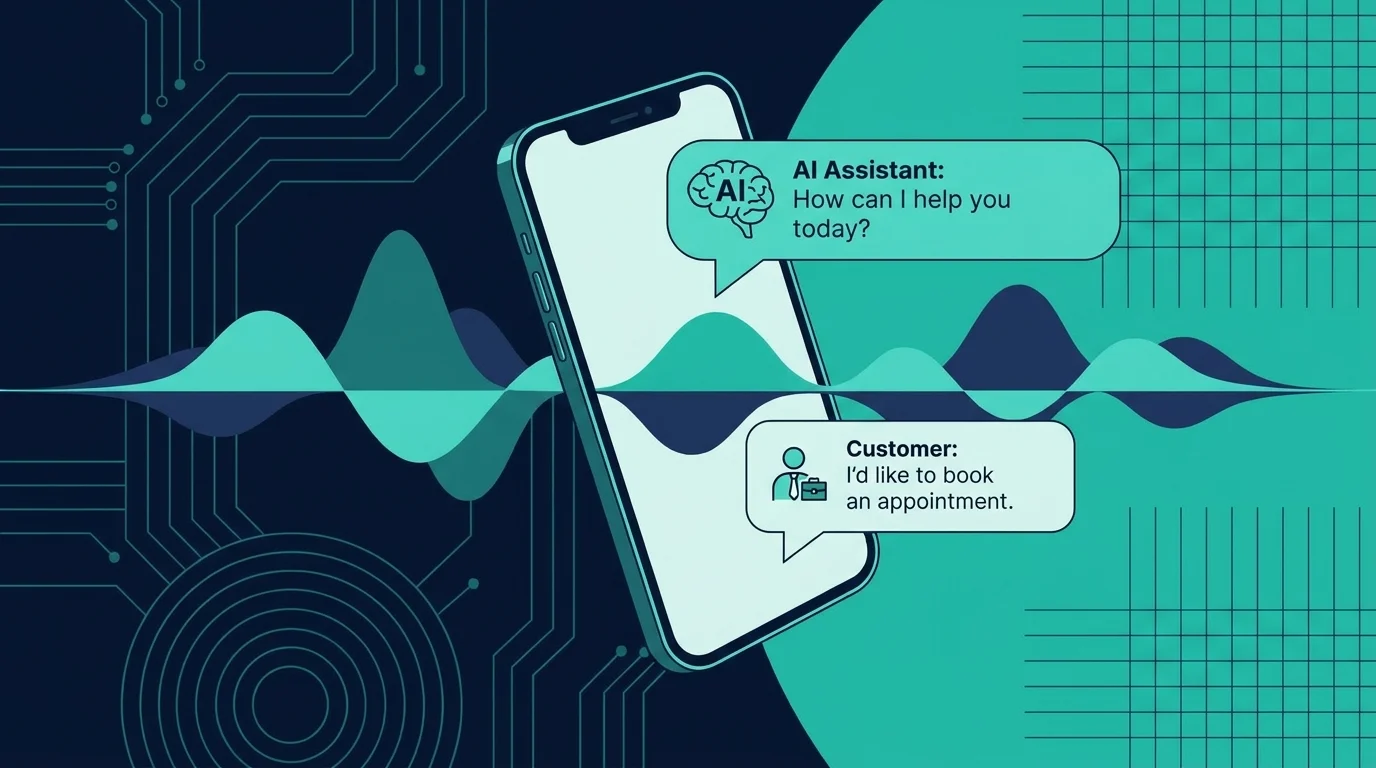
Every small business has the same problem: the phone rings, nobody answers, and the caller moves on.
You might be on a job site. In a meeting with a client. Helping a customer in your store. Or simply trying to finish the work you already have. The result is the same. A lead that cost you money to generate goes to your competitor because you could not pick up the phone.
An automated answering service for small business fixes this. But here is the catch: not all automated answering services are the same. The traditional phone tree you have probably used as a caller is nothing like the AI-powered systems available today.
This guide explains the difference, what features to look for, what you should pay, and how to choose the right system for your business.
What Is an Automated Answering Service?
An automated answering service is a system that answers your business phone calls without a human receptionist. When a caller dials your number, the automated service picks up and handles the interaction based on pre-programmed rules.
There are two types of automated answering services, and the gap between them is enormous.
Traditional auto-attendants
These are the phone trees you know from calling banks, airlines, and large companies. They work like this:
- A recorded voice greets the caller
- The caller presses numbers on the keypad to navigate menus
- The system routes the call to a voicemail box or extension
- A human listens to the voicemail and calls back later
Traditional auto-attendants are cheap and reliable. But they frustrate callers, collect incomplete information, and still leave your team with a pile of callbacks to make.
AI answering services
These are the modern replacement. Instead of menus and recordings, an AI answering service uses artificial intelligence to have actual conversations. It works like this:
- The AI greets the caller in a natural voice
- It asks what the caller needs and understands the response
- It handles the request directly: booking appointments, qualifying leads, answering questions, or transferring urgent calls
- It sends a summary to your team with all the details captured
The caller gets help immediately. Your team gets organized information instead of voicemail tags. And nothing falls through the cracks.
For a deeper look at how these systems work, see our guide to what an AI answering service actually does.
Why Small Businesses Need Automated Answering
Small businesses miss more calls than they realize. Research shows that small businesses miss 30% to 40% of inbound calls during business hours. During peak times, the miss rate climbs above 50%.
Most of those callers do not leave a voicemail. They call the next business on the list. Every missed call is a potential customer walking out the door.
Here is what that costs in real dollars:
- A dental practice loses about $1,200 in first-year revenue per missed new patient call
- An HVAC company loses a $400 to $800 service call when an emergency goes to voicemail
- A legal firm misses a consultation worth $2,000 to $5,000 when a potential client cannot reach a person
- A real estate agent misses a listing inquiry worth $10,000 or more in commission
If your business misses just five calls per week, that is 260 missed calls per year. At an average value of $300 per call, you are looking at $78,000 in lost revenue annually. That is before you factor in the lifetime value of customers who never call back.
The problem is not that small business owners are lazy. It is that they are already working. A plumber cannot climb down from a roof to answer the phone. A dentist cannot stop a procedure to book a new patient. A sole proprietor cannot be in two places at once.
An automated answering service solves the structural problem. It answers every call regardless of what you are doing.
To understand the full cost impact, read our breakdown of how much missed calls are costing your small business.
5 Features That Separate Good Automated Answering Services from Bad Ones
Not every automated answering service is worth the money. Here are the features that matter most.
1. Natural conversation (not phone trees)
The biggest differentiator is whether the system uses menus or natural language. Phone trees force callers to listen to options and press numbers. Modern AI systems ask "How can I help you today?" and understand the answer.
Natural conversation reduces caller frustration and captures better information. A caller might say "I need to reschedule my appointment for tomorrow" and the AI handles it directly. In a phone tree, that caller hangs up after pressing the wrong button twice.
2. Appointment booking integration
The best automated answering services connect to your calendar. They check availability, offer time slots, and book appointments during the call. The caller hangs up with a confirmed time, not a promise that someone will call back.
Look for integrations with Google Calendar, Outlook, Calendly, Acuity, and industry-specific booking tools. If you run a medical practice, dental office, or salon, calendar integration is non-negotiable.
For businesses that rely heavily on scheduling, see how automated appointment reminders can further reduce no-shows.
3. Lead qualification
A good automated answering service does more than take messages. It qualifies leads by asking the right questions:
- What service do you need?
- What is your timeline?
- What is your budget range?
- What is the best way to reach you?
Your team receives a summary with the caller's answers. They know whether the lead is hot, warm, or cold before they call back. This saves hours of unqualified follow-up.
For a deeper look at lead capture strategies, read our guide to AI lead qualification for small business.
4. 24/7 availability
Your business has hours. Your callers do not. People search for services at 10 PM on Sunday. They call during lunch breaks. They have emergencies at 6 AM.
An automated answering service that only works during business hours misses the exact calls that matter most. After-hours calls are often emergencies, and emergency callers have the highest intent to buy.
Look for a service that operates 24/7, 365 days a year, with no extra charge for nights, weekends, or holidays.
Learn more about after-hours coverage in our after-hours answering service guide.
5. CRM and workflow integration
Information captured by your answering service should flow into the tools you already use. The best services integrate with:
- CRMs like HubSpot, Salesforce, Pipedrive, and GoHighLevel
- Email platforms for automatic follow-up sequences
- SMS tools for text confirmations
- Slack or Microsoft Teams for internal notifications
When a call ends, the lead data should appear in your CRM within seconds. Your team should not need to copy and paste information between systems.
Automated Answering Service Pricing in 2026
Here is what small businesses actually pay for automated answering services.
Traditional auto-attendant services
- Basic: $50 to $100 per month. Includes a greeting, simple menu, and voicemail routing.
- Standard: $100 to $200 per month. Adds call forwarding, multiple extensions, and basic reporting.
- Premium: $200 to $300 per month. Includes advanced routing, hold music, and limited live operator backup.
AI answering services
- Entry: $100 to $200 per month. Covers basic call answering, message taking, and email summaries.
- Standard: $200 to $400 per month. Adds appointment booking, lead qualification, and calendar integration.
- Growth: $400 to $800 per month. Includes CRM integration, custom call flows, multi-location support, and detailed analytics.
The comparison to hiring
A full-time receptionist costs $35,000 to $55,000 per year in salary. Add benefits, payroll taxes, and insurance, and the total cost rises to $55,000 to $78,000 annually. That covers 40 hours per week. You still miss calls on evenings, weekends, and lunch breaks.
An AI answering service costs $200 to $400 per month, or $2,400 to $4,800 per year. That is a savings of $50,000 or more per year on staffing alone, with 24/7 coverage included.
For a detailed cost breakdown, see our AI phone answering system cost savings guide.
How to Choose the Right Automated Answering Service
Use this checklist when evaluating providers.
Know your call volume
Look at your phone records. How many calls do you receive per day? Per week? Peak times matter more than averages. If you get 20 calls on Monday but 2 on Thursday, your system needs to handle Monday-level volume.
Identify your biggest pain point
- Do you miss calls during busy periods?
- Do you lose leads after hours?
- Does your team waste time on unqualified callbacks?
- Do no-shows cost you revenue?
Different problems require different features. A business that misses after-hours calls needs 24/7 coverage. A business that wastes time on bad leads needs strong qualification. Match the service to your actual problem.
Test the caller experience
Call the provider's demo line. Pretend you are a customer. Navigate the system. Ask questions. See how it handles requests that are not in the script.
If you are frustrated after one call, your customers will be too. The best AI systems feel natural even when the caller goes off-script.
Check integration compatibility
Make a list of the tools you use: calendar, CRM, email, SMS. Ask the provider which integrations are available and how they work. Custom integrations often cost extra, so factor that into your budget.
Read the contract carefully
Some providers lock you into annual contracts with high early termination fees. Others offer month-to-month plans. Some charge per minute, which can get expensive fast if your call volume grows.
Look for transparent pricing, no long-term commitment, and a clear upgrade path as your business grows.
Industry-Specific Use Cases
Automated answering services are not one-size-fits-all. Here is how different industries use them.
Home services (HVAC, plumbing, electrical)
Emergency calls are the lifeblood of home service businesses. A burst pipe or broken air conditioner cannot wait until morning. An automated answering service captures emergency calls, qualifies the urgency, dispatches the on-call technician, and books the appointment.
For home service businesses specifically, see how AI answering services capture emergency calls for HVAC companies and plumbing businesses.
Medical and dental practices
Patient calls include appointment requests, prescription refills, billing questions, and urgent medical concerns. An AI answering service triages calls, books routine appointments, routes emergencies to the on-call provider, and updates patient records.
For dental practices, read our dental AI receptionist cost and ROI guide. For medical practices, see our virtual medical receptionist guide.
Legal firms
Legal clients call with time-sensitive issues. A missed call from a potential client with an urgent legal matter is a missed retainer. An automated answering service qualifies the case type, collects contact information, and routes emergency calls to the appropriate attorney.
Learn more about AI answering for legal practices in our guide to AI answering service for law firms.
Real estate
Real estate leads call about listings, showings, and valuations. Response time is everything. A study by the National Association of Realtors found that 82% of real estate transactions go to the agent who responds first. An automated answering service books showings, captures buyer information, and routes hot leads to the agent immediately.
For real estate specifically, see how AI answering services capture listing calls for real estate agencies.
Property management
Property managers handle tenant calls, maintenance requests, lease renewals, and emergency issues around the clock. An automated answering service triages maintenance requests, routes emergencies to vendors, books showings for prospective tenants, and handles rent inquiries.
Learn how virtual teams are transforming property management operations.
Common Mistakes When Buying an Automated Answering Service
Avoid these pitfalls.
Buying on price alone
The cheapest option is usually a basic auto-attendant with phone trees. If your goal is to capture more leads and book more appointments, a cheap phone tree will disappoint you. Invest in a system that actually solves your problem.
Ignoring the setup process
Some providers promise a "five-minute setup" but deliver a generic greeting that confuses your callers. A proper setup involves configuring your business rules, call flows, integrations, and greeting scripts. This takes time but determines whether the system works for your callers.
Forgetting about the caller experience
Your callers do not care about your internal workflow. They care about getting help quickly. Test the system from a caller's perspective. If it feels clunky or confusing, your callers will feel the same way.
Not training your team
An automated answering service changes how your team receives information. Instead of voicemail, they get structured summaries. Instead of callbacks, they get qualified leads. Train your team on how to read AI summaries and follow up effectively.
The Bottom Line
An automated answering service is one of the highest-ROI investments a small business can make. It captures calls you are already missing, books appointments while you work, qualifies leads before you call back, and operates 24/7 at a fraction of the cost of hiring.
The key is choosing the right type of system. Traditional auto-attendants are cheap but limited. AI answering services cost more but deliver a completely different level of results.
If you are serious about stopping the revenue leak from missed calls, start with a clear assessment of your call volume, your biggest pain point, and the features that will actually move the needle. Then test a few providers and choose the one that makes your callers feel heard and helped.
Ready to stop missing calls? See how Dark Harbor builds AI answering services for small businesses →
Dark Harbor helps small businesses deploy AI-powered virtual teams for answering, scheduling, and lead qualification. Every system is customized to your business rules and integrates with the tools you already use.